browse
- You can track your shipment by visiting https://parcelsapp.com/.
- If you need to reach your local post office, please check here
- In your order details, you will find tracking information. For orders with multiple items, be aware that each one may have individual delivery timelines and tracking numbers.
- Based on the shipping method you selected, you might not see tracking information immediately.
- If your local post office has issued a local tracking number for your parcel, use that number to check the status of your delivery. See the picture below for guidance on identifying your local tracking number.
-
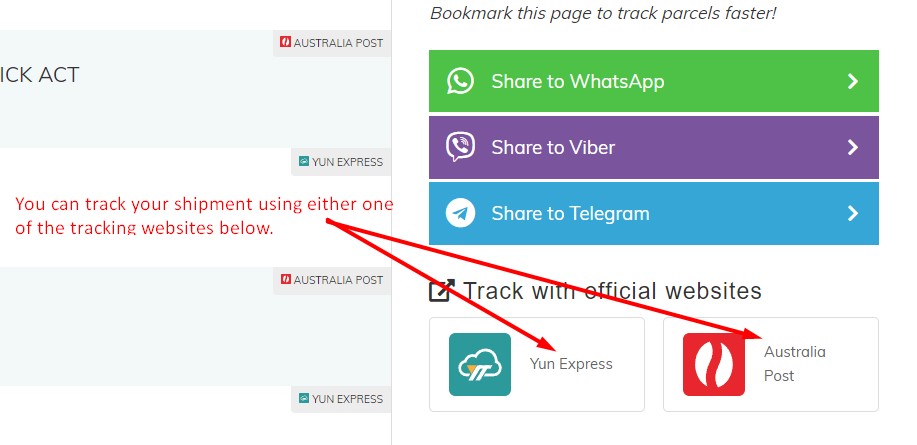
In the absence of a local tracking number from your post office, you may still utilize the original tracking number to check the status of your package on your country's local post office website. The image below shows you how to find where to track your package.
- If your local post office has issued a local tracking number for your parcel, use that number to check the status of your delivery. See the picture below for guidance on identifying your local tracking number.
- For more information about our Shipping and Delivery, please click here.

WE'RE HERE TO HELP!
If you require further assistance, submit a ticket here. We will respond within 48 hours.